
Student settings in RootWright LMS
Settings → Students controls how students sign up, and who can see their profiles.
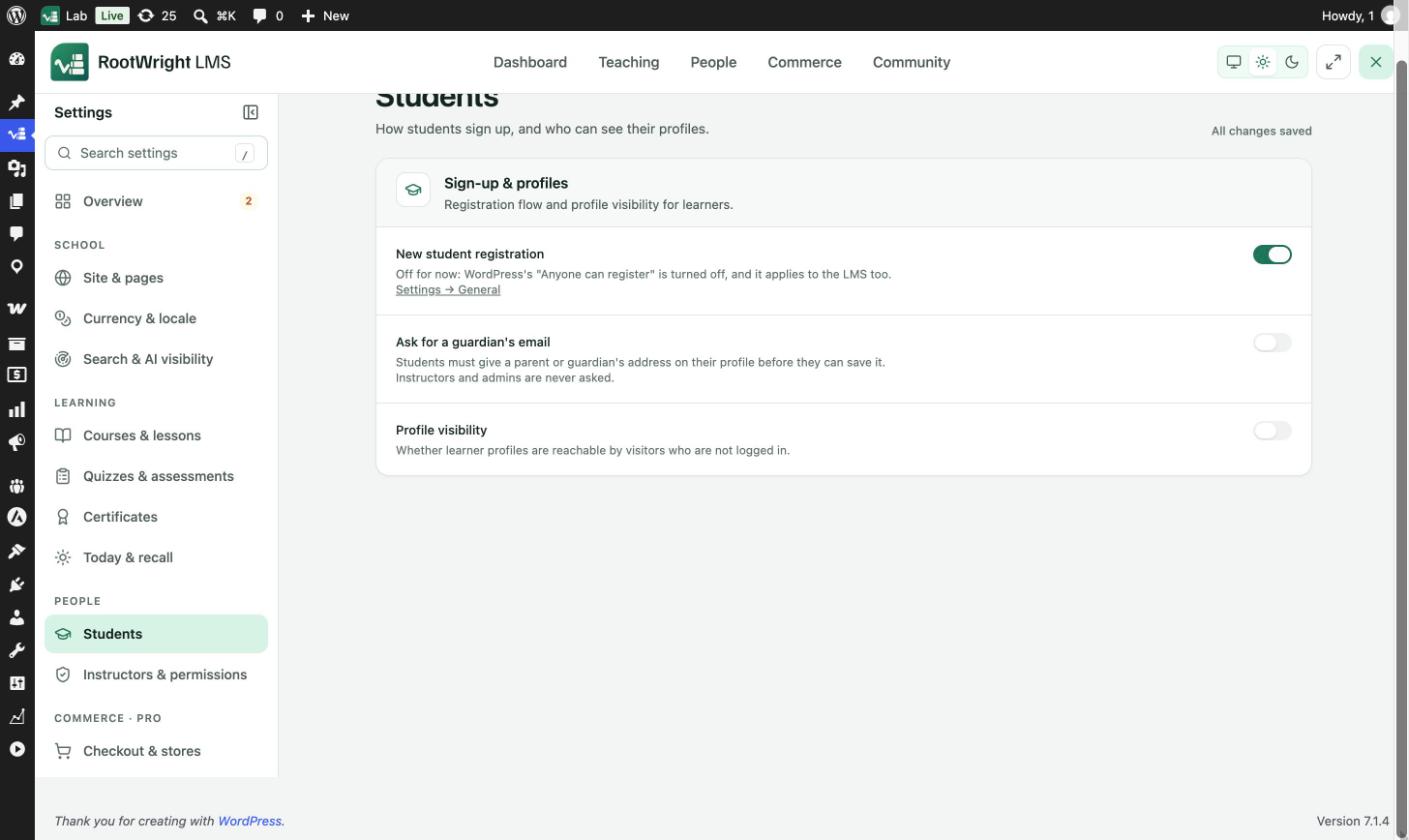
Settings → Students → Sign-up & profiles.
| Setting | What it does |
|---|---|
| New student registration | Lets new students create an account. It only works while WordPress's Anyone can register is on under Settings → General. When that is off, the setting says "Off for now" and links to it. |
| Ask for a guardian's email | Students must give a parent or guardian's address on their profile before they can save it. Instructors and admins are never asked. |
| Profile visibility | Whether learner profiles are reachable by visitors who are not logged in. |
Registration needs both switches
To let students sign up, switch on New student registration here and Anyone can register in Settings → General in WordPress.
Related
- Instructors & permissions
- Site & pages for the sign-in and create-account pages.