
Invoices, transactions and webhook events in RootWright LMS
RootWright LMS Pro keeps an invoice for each payment, a credit note for each refund, and a record of every charge, renewal, refund and dispute from Stripe and PayPal. Find them under Commerce → Invoices and Commerce → Transactions.
Pro
Invoices and transactions are part of RootWright LMS Pro. They cover payments taken by RootWright Checkout with Stripe or PayPal.
Invoices
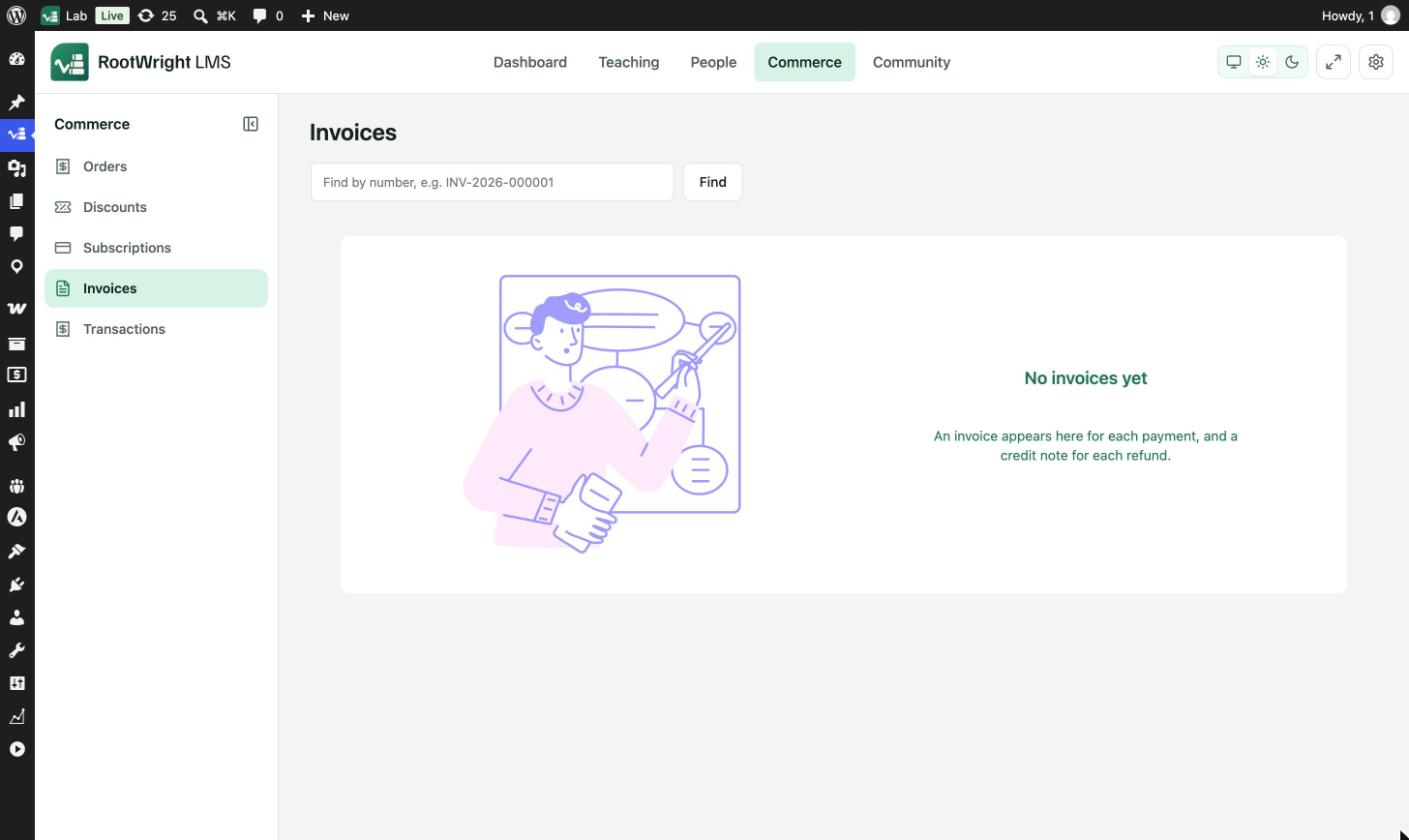
Commerce → Invoices. An invoice appears here for each payment, and a credit note for each refund.
To find an invoice, type its number in Find by number, for example INV-2026-000001, and click Find.
Transactions
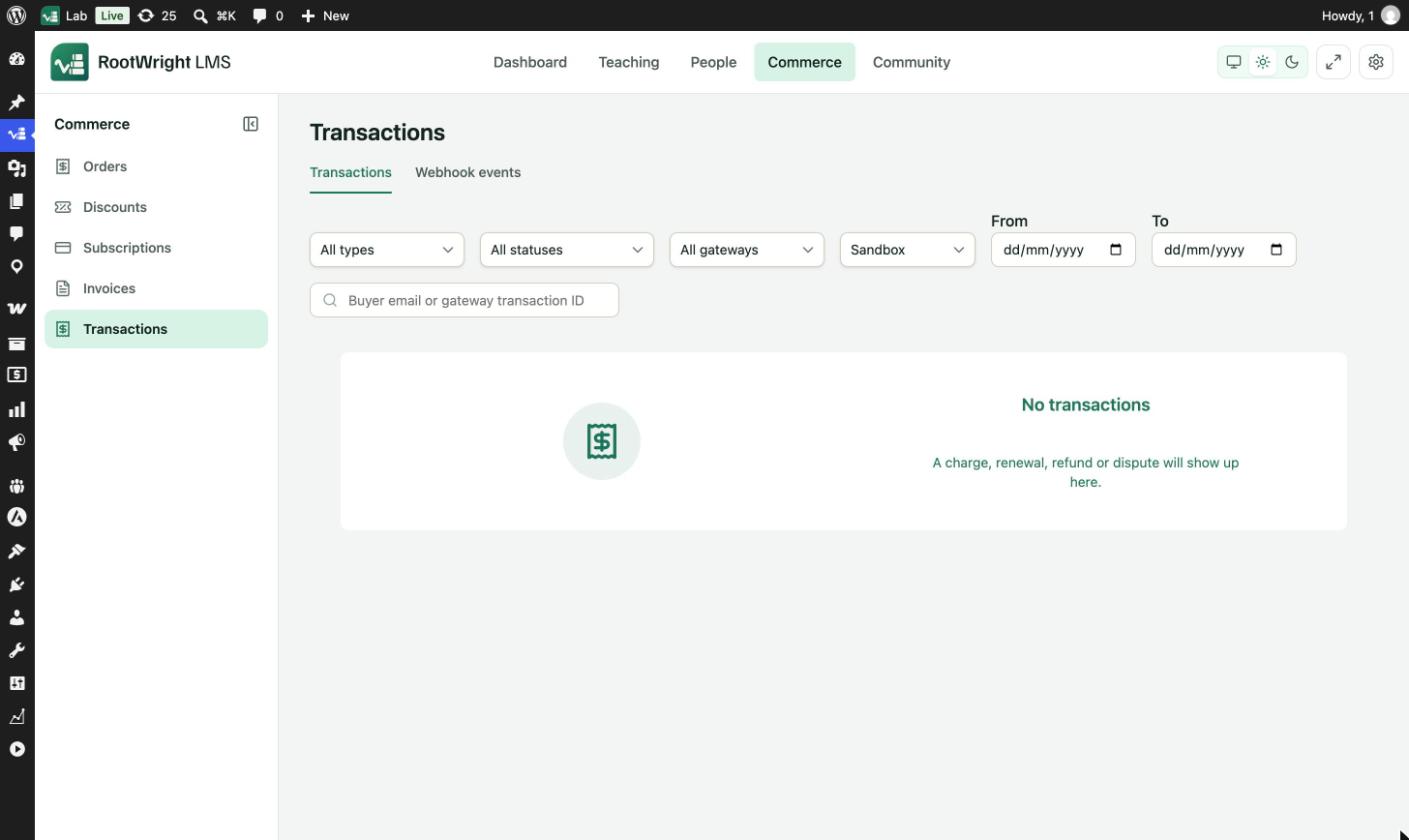
Commerce → Transactions. A charge, renewal, refund or dispute shows up here.
Filter the list with:
| Filter | Options |
|---|---|
| Type | All types, Charge, Renewal, Refund, Dispute, Free ($0) |
| Status | All statuses, Pending, Processing, Completed, Failed, Refunded, Partially refunded, Disputed |
| Gateway | All gateways, Stripe, PayPal |
| Mode | All, Sandbox, Live. The list opens on Sandbox while the gateways are in test mode. |
| Dates | From and To |
| Search | Buyer email or gateway transaction ID |
Checking a test purchase
If a test purchase does not appear, set the mode filter to Sandbox or All.
Webhook events
The Webhook events tab lists every delivery from a connected gateway. Use it to check that Stripe or PayPal can reach your site.
- Filter by status: Received, Processed, Ignored or Failed.
- Filter by gateway: Stripe or PayPal.
If the tab stays empty after a test payment, check the webhook URL and secret under Payment gateways.