
Courses & lessons settings in RootWright LMS
Settings → Courses & lessons holds the site-wide rules for publishing, reviews, enrolment, the catalogue and course files. It has five sections: Publishing, Reviews & comments, Enrolment, Catalogue and Files.
Publishing
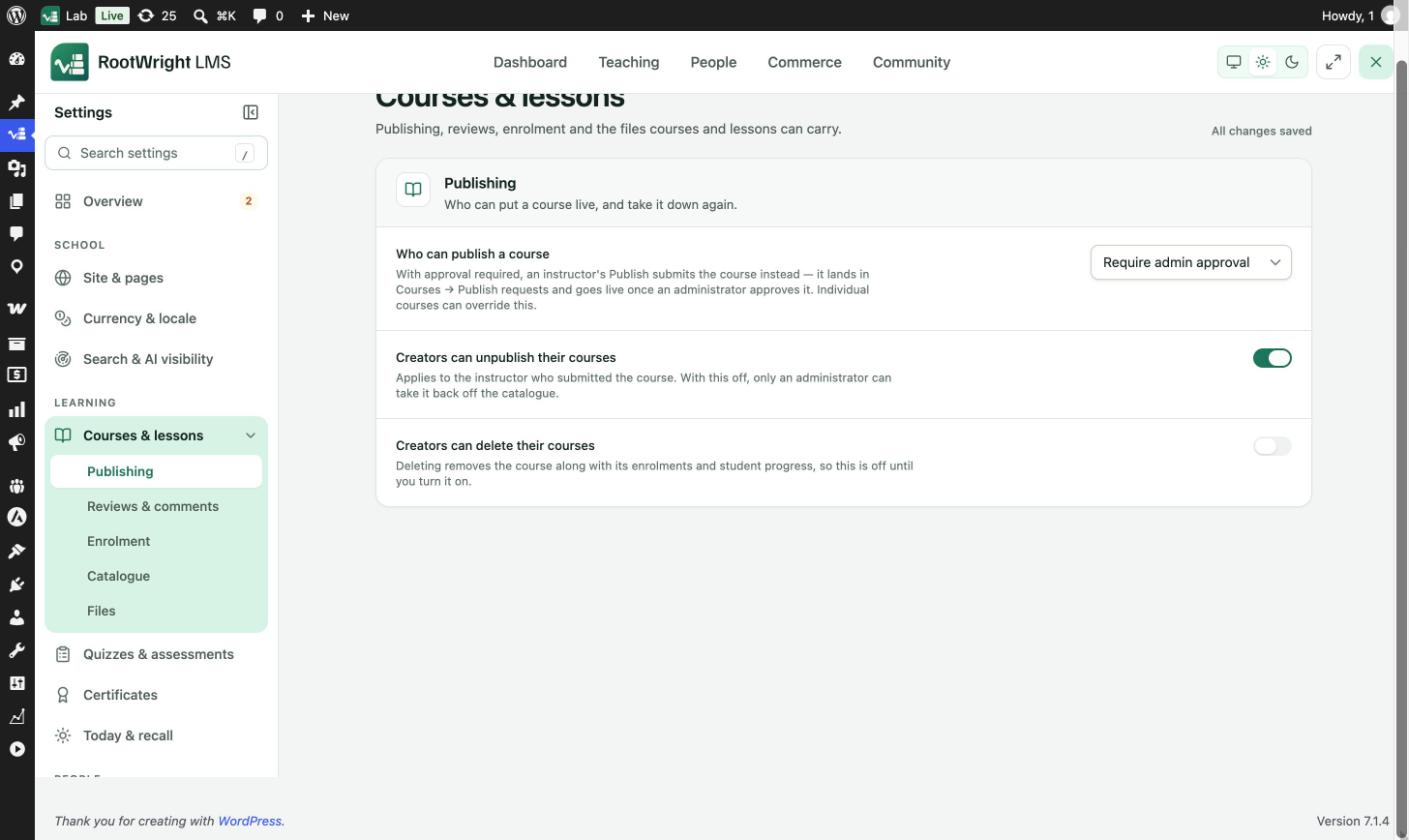
Who can put a course live, and take it down again.
| Setting | Options | What it does |
|---|---|---|
| Who can publish a course | Require admin approval, Instructors publish directly | With approval required, an instructor's Publish submits the course to Publish requests. It goes live once an administrator approves it. Individual courses can override this. |
| Creators can unpublish their courses | On or off | Applies to the instructor who submitted the course. Off: only an administrator can take it off the catalogue. |
| Creators can delete their courses | On or off | Deleting removes the course with its enrolments and student progress, so this is off until you turn it on. |
Reviews & comments
| Setting | Options |
|---|---|
| Student review approval | Hold for moderation or Publish immediately. See Course reviews. |
| Lesson comments | Hold for approval, Publish immediately or Turn lesson comments off. See Lesson comments. |
Enrolment
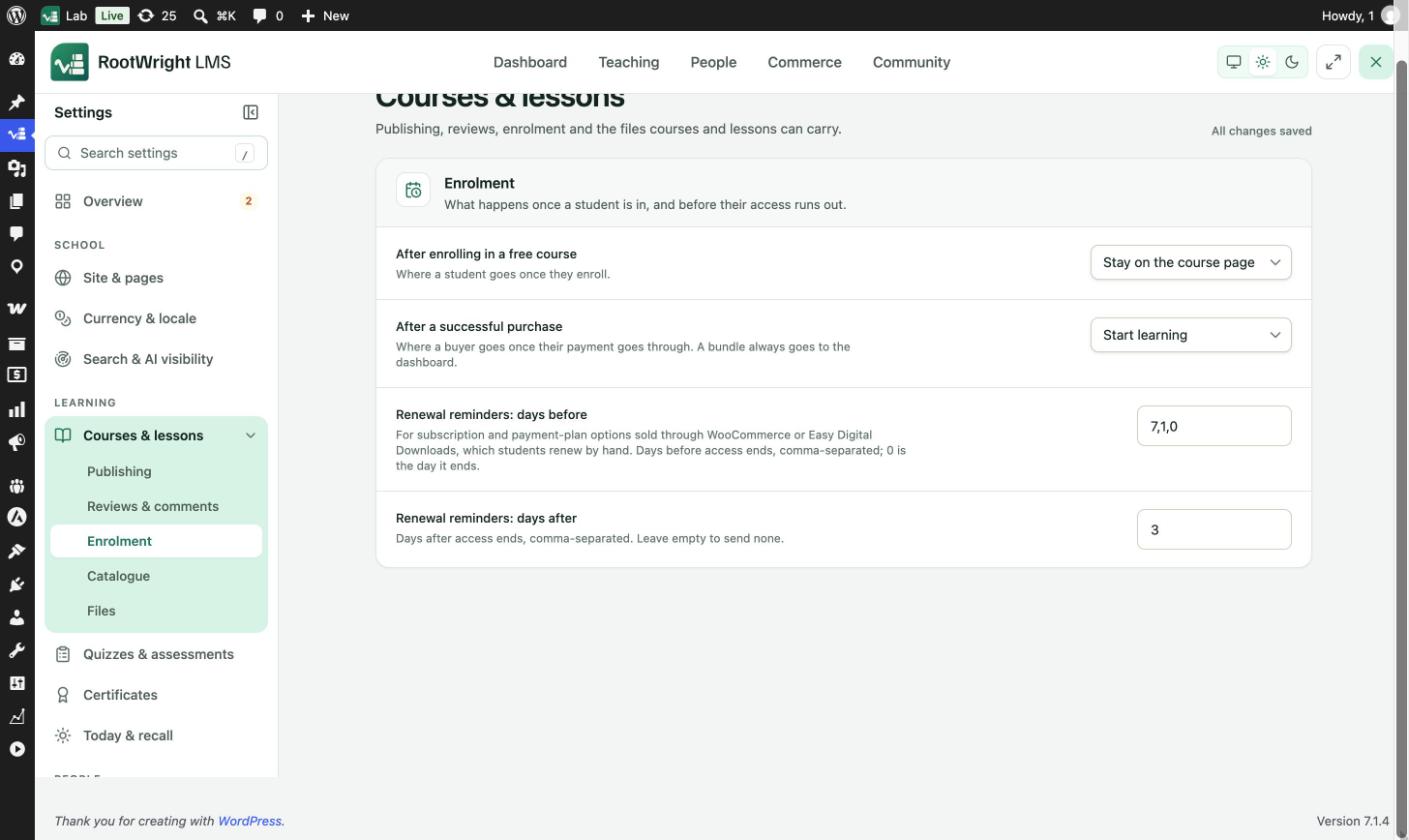
What happens once a student is in, and before their access runs out.
| Setting | Options or format | What it does |
|---|---|---|
| After enrolling in a free course | Stay on the course page, Start learning, Go to the dashboard | Where a student goes once they enroll. |
| After a successful purchase | Same three options | Where a buyer goes once their payment goes through. A bundle always goes to the dashboard. |
| Renewal reminders: days before | Comma-separated days, for example 7,1,0 | Days before access ends. 0 is the day it ends. For subscription and payment-plan options sold through WooCommerce or Easy Digital Downloads, which students renew by hand. |
| Renewal reminders: days after | Comma-separated days, for example 3 | Days after access ends. Leave empty to send none. |
Catalogue
| Setting | Example | What it does |
|---|---|---|
| Thumbnail size | 480 × 270 | Pixel dimensions used for course and category cards. |
| Courses per page | 12 | Inside category pages and search results. |
Files
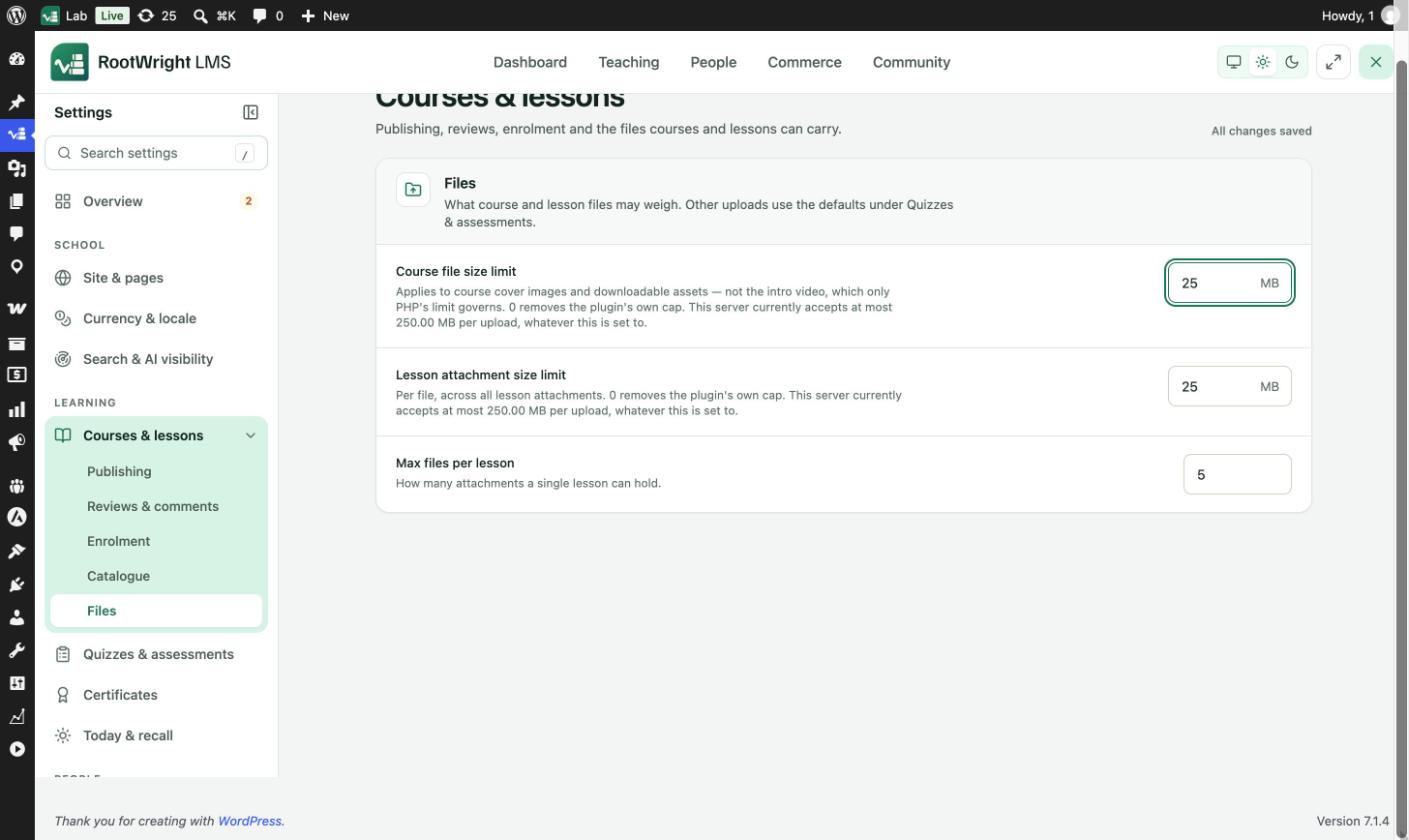
What course and lesson files may weigh. Other uploads use the defaults under Quizzes & assessments.
| Setting | Example | What it does |
|---|---|---|
| Course file size limit | 25 MB | Applies to course cover images and downloadable assets, not the intro video, which only PHP's limit governs. 0 removes the plugin's own cap. |
| Lesson attachment size limit | 25 MB | Per file, across all lesson attachments. 0 removes the plugin's own cap. |
| Max files per lesson | 5 | How many attachments a single lesson can hold. |
The help text under each size limit shows the most your server accepts per upload, whatever the setting says.
Related
- Course settings and access for per-course settings.
- Settings overview