
How to sell a course bundle in RootWright LMS
A course bundle sells several of your courses as one purchase, usually for less than buying them one at a time. Create bundles under Teaching → Bundles.
Pro
Course bundles are part of RootWright LMS Pro.
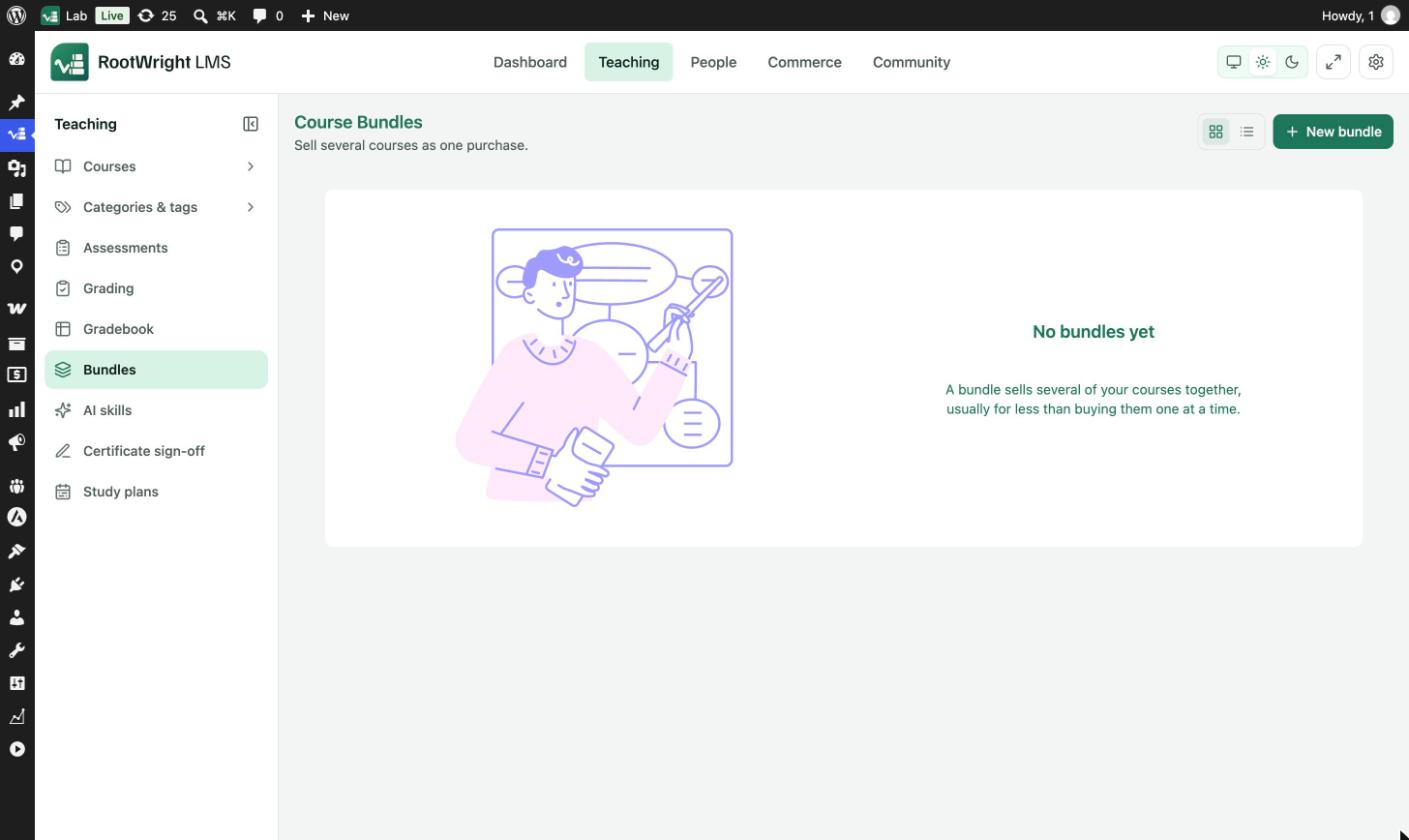
Teaching → Bundles. Switch between grid and list views with the icons next to New bundle.
Create a bundle
- Go to Teaching → Bundles and click New bundle.
- Under Details, enter a Name and a Description. The description is shown on the bundle's own page.
- Under Courses, tick the courses to include. Use Search your courses to narrow the list.
- Under Pricing, set the Default option: a Label, How it is sold, a Price, an optional Discounted price, and how long Access lasts.
- Under Availability, set Maximum purchases if you want a cap, and pick a Discount if you have one.
- Click Create bundle.
- Open the bundle again to add a Cover image and link a product. Both need a saved bundle.
- Switch on Published and save to put the bundle on sale.
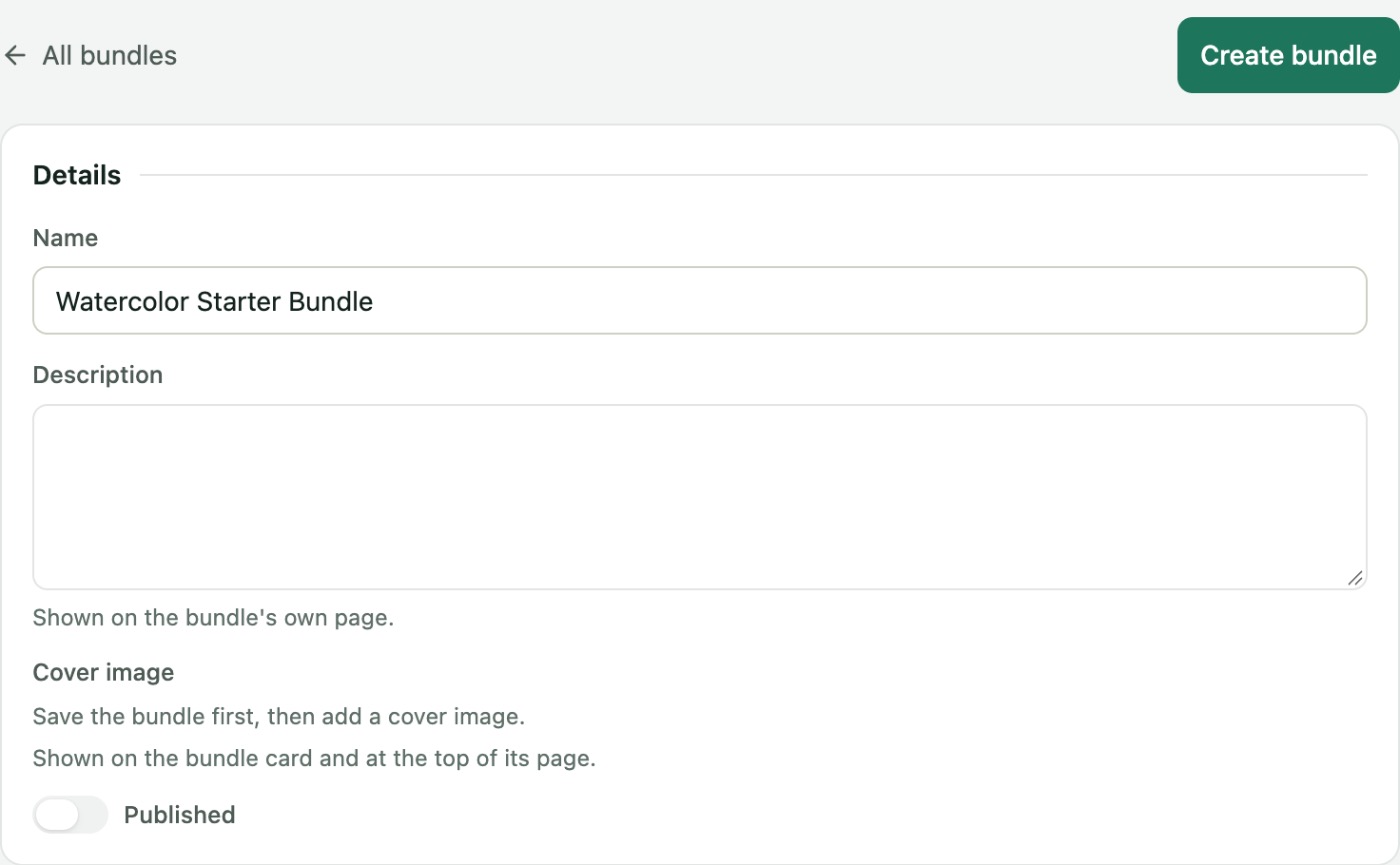
The Details section. Cover image becomes available after the first save.
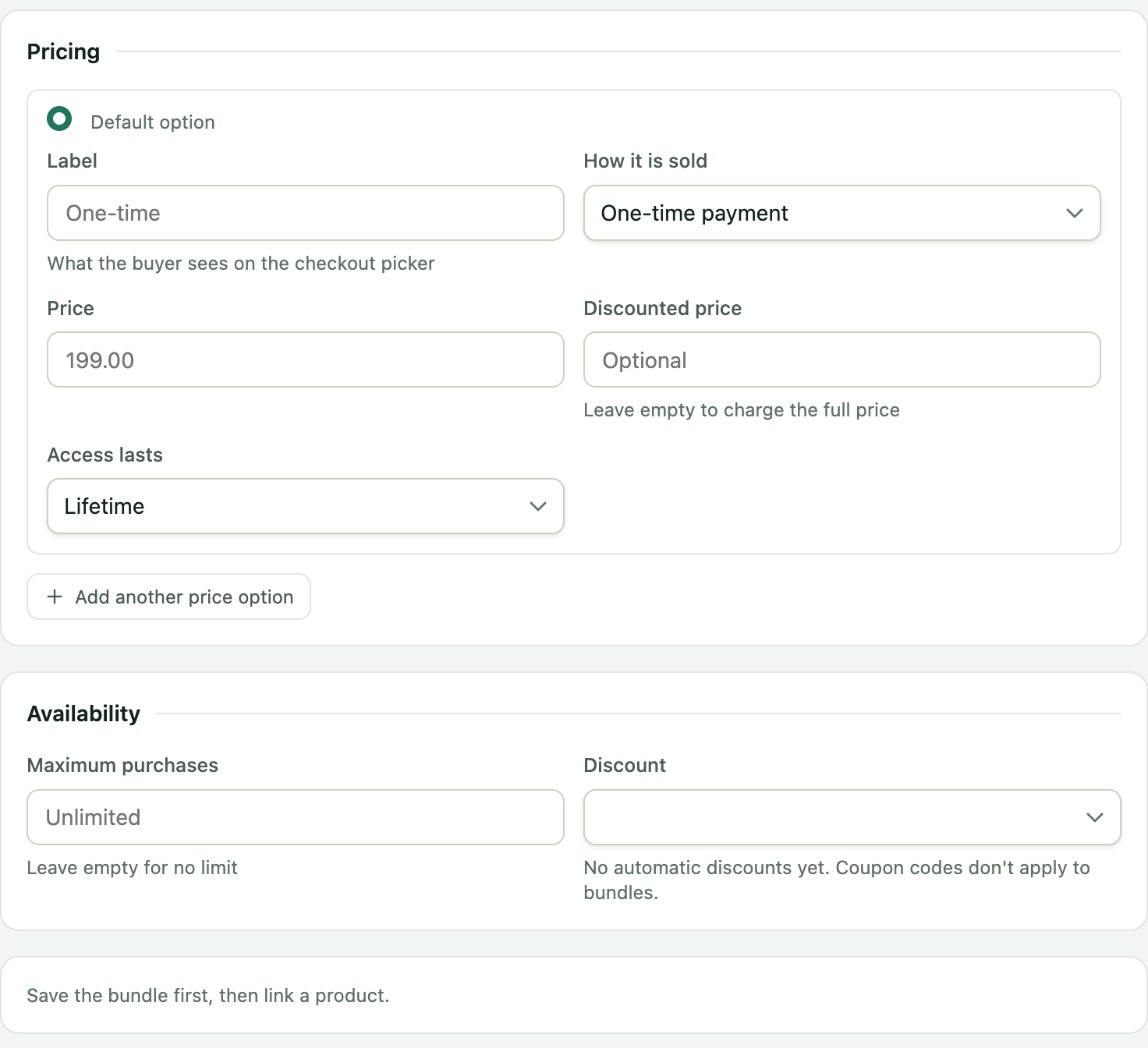
The Pricing section holds the default price option. Use Add another price option for more.
Pricing options
| Field | What it does |
|---|---|
| Label | What the buyer sees on the checkout picker, for example "One-time". |
| How it is sold | One-time payment or Subscription. |
| Price | The bundle price. |
| Discounted price | Optional. Leave empty to charge the full price. |
| Access lasts | Lifetime, or a number of Days, Weeks, Months or Years. |
| Add another price option | Adds a second option. The buyer picks one at checkout. The Default option is the one selected first. |
Availability
- Maximum purchases caps how many times the bundle can be sold. Leave it empty for no limit.
- Discount applies an automatic discount. Coupon codes do not apply to bundles. To create one, see Discounts.
Where buyers go after purchase
A bundle purchase always takes the buyer to their dashboard. The After a successful purchase setting under Settings → Courses & lessons → Enrolment does not apply to bundles.
Troubleshooting
- A course is missing from the Courses list. The list loads your first 100 courses. If you have more, a course may not appear in the list or in search. This is a known limit in 1.0.0.