
How to moderate course reviews in RootWright LMS
Students can rate and review the courses they take. In RootWright LMS, reviews land under Community → Reviews for moderation. Approved reviews show publicly on the course page.
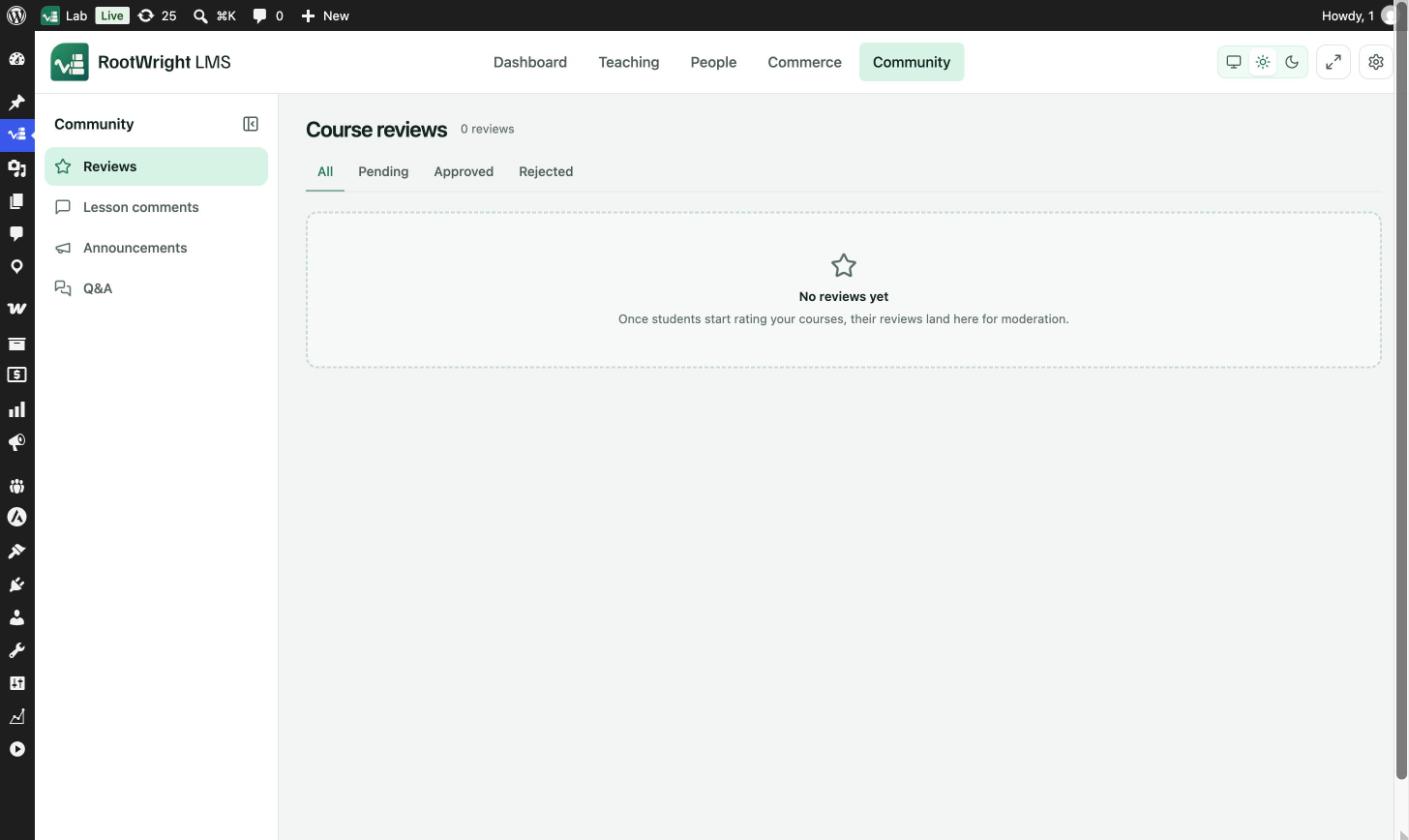
Community → Reviews. With no reviews yet, the screen reads "Once students start rating your courses, their reviews land here for moderation."
Moderate a review
- Go to Community → Reviews. The Pending tab lists reviews waiting for a decision.
- Approve a review to show it on the course page. A "Review approved" message confirms it.
- Or reject it. A rejected review is hidden from the course page and kept on the Rejected tab, so you can revisit it.
To remove a review for good, delete it. RootWright LMS asks "Delete this review?" first. Rejecting keeps it instead.
The tabs
| Tab | Shows |
|---|---|
| All | Every review. |
| Pending | Reviews waiting for a decision. When none are left: "Nothing waiting on moderation". |
| Approved | The reviews shown publicly on your course pages. |
| Rejected | Reviews you rejected. They are kept here rather than deleted. |
Publish reviews without moderation
By default, each review waits for approval. To publish reviews as they arrive, go to Settings → Courses & lessons → Reviews & comments and set Student review approval to Publish immediately.