
How to create course tags in RootWright LMS
Tags let students filter the course catalog. Create them under Teaching → Categories & tags → Tags, then add them to each course in its Course tags field.
Create a tag
- Go to RootWright LMS → Teaching, open Categories & tags, and select the Tags tab.
- Click New tag.
- Enter the tag name and save it.
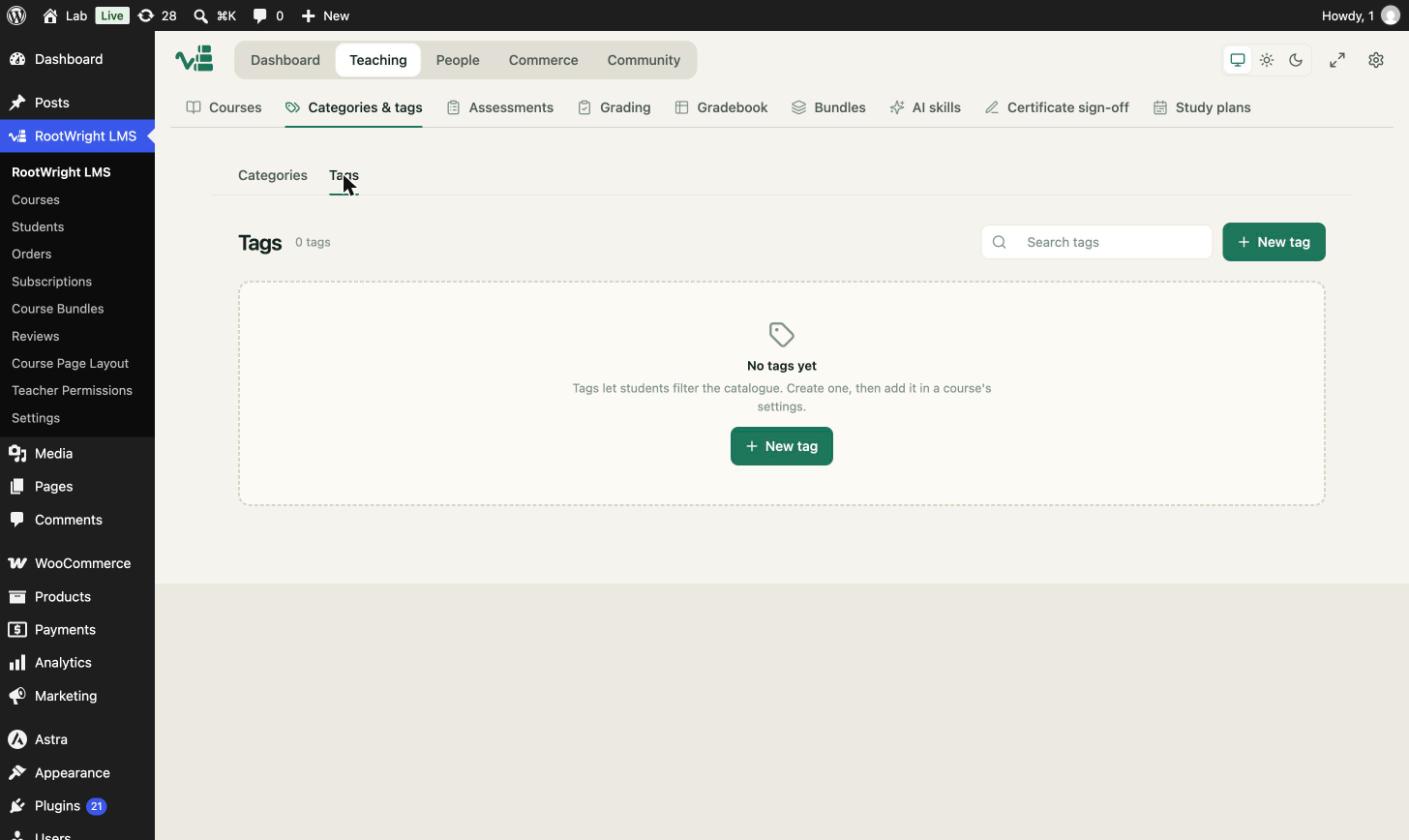
The Tags tab. Tags let students filter the catalogue. Create one, then add it in a course's settings.
Add tags to a course
Open the course in the editor, go to Details, and pick one or more values in Course tags. The field searches existing tags.
Categories or tags?
Use a category for the main subject, such as "Art and Craft". Use tags for extra details, such as "beginner friendly" or "gift idea". A course can have one category and many tags.