
Privacy & security settings in RootWright LMS
Settings → Privacy & security controls what the site keeps about people, and how hard downloads can be pulled. It has two sections: Privacy and Rate limit.
Privacy
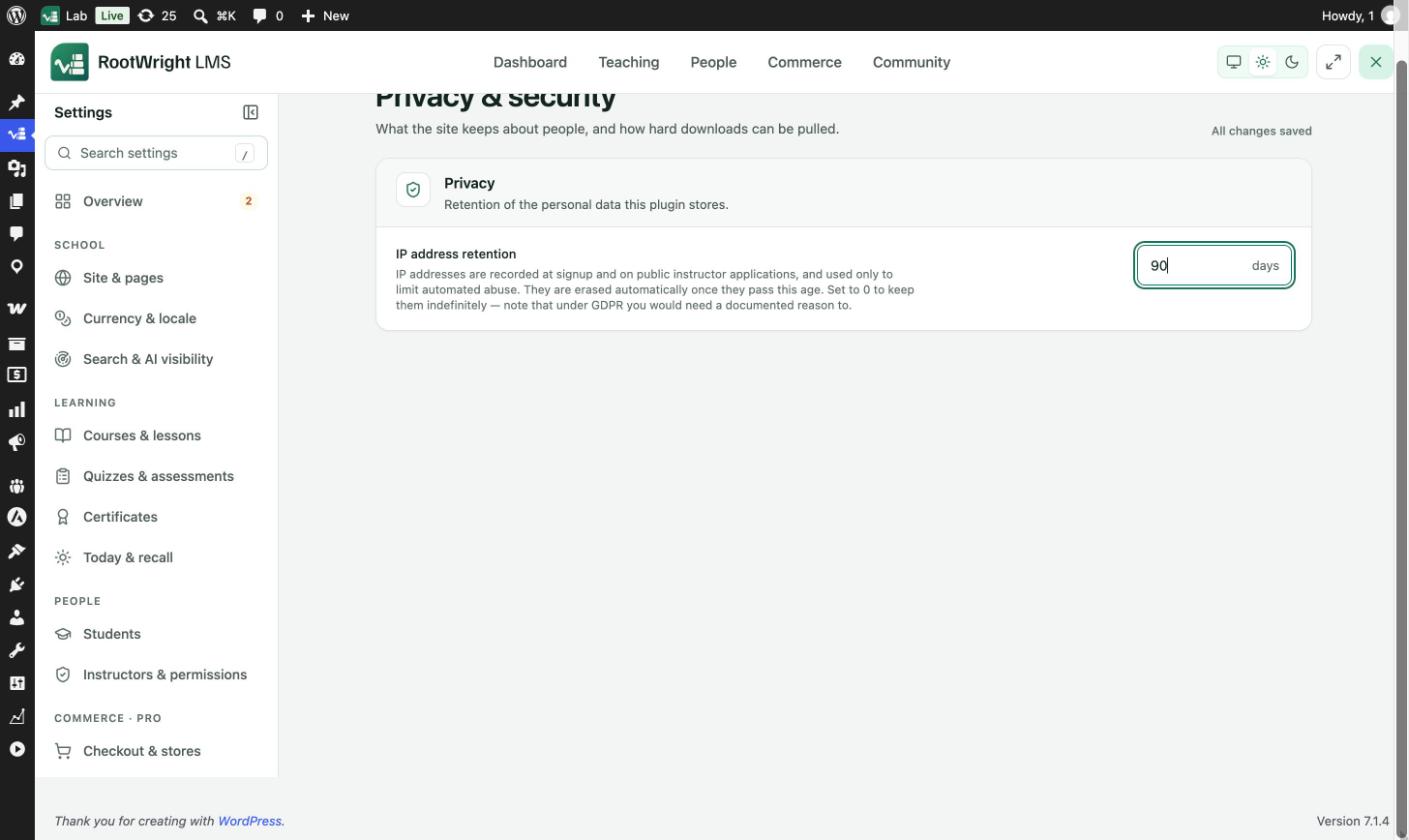
Settings → Privacy & security → Privacy.
IP address retention sets how many days IP addresses are kept. The default is 90 days.
- IP addresses are recorded at signup and on public instructor applications, and used only to limit automated abuse.
- They are erased automatically once they pass this age.
- Set 0 to keep them indefinitely. Under GDPR you would need a documented reason to do that.
Rate limit
How many files one account may download before it has to wait.
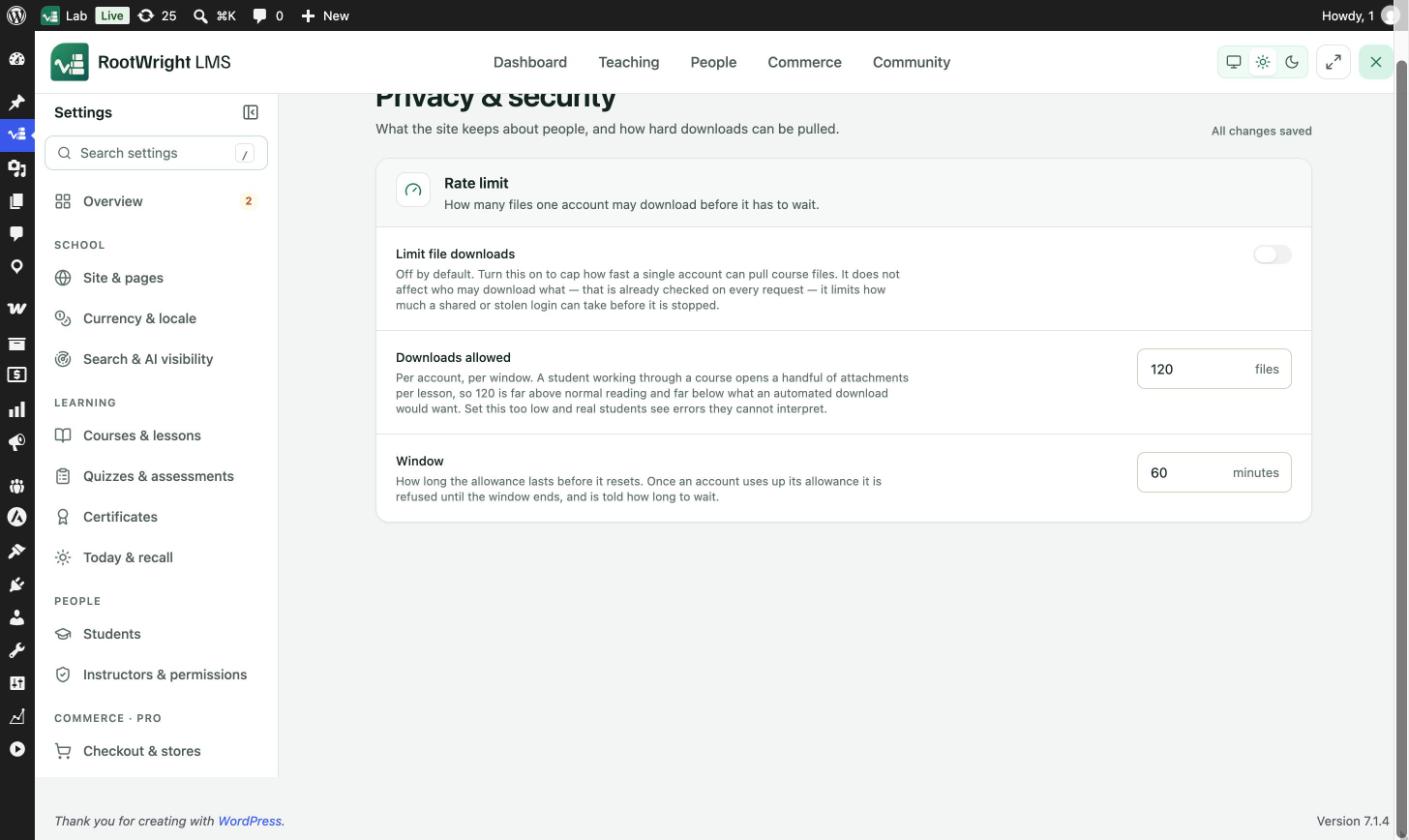
Settings → Privacy & security → Rate limit.
| Setting | Default | What it does |
|---|---|---|
| Limit file downloads | Off | Caps how fast a single account can pull course files. It does not change who may download what, which is checked on every request. It limits how much a shared or stolen login can take before it is stopped. |
| Downloads allowed | 120 files | Per account, per window. A student working through a course opens a handful of attachments per lesson, so 120 is far above normal reading and far below what an automated download would want. |
| Window | 60 minutes | How long the allowance lasts before it resets. Once an account uses up its allowance, it is refused until the window ends and is told how long to wait. |
Do not set the limit too low
If Downloads allowed is too low, real students see errors they cannot interpret.
Related
- Performance for how protected files are delivered.
- Settings overview