
How to view orders and subscriptions in RootWright LMS
The Commerce tab lists every sale on the site. Orders from WooCommerce, Easy Digital Downloads, SureCart, FluentCart and RootWright Checkout are mirrored into one list. Open it from RootWright LMS → Orders or Subscriptions in the sidebar.
Orders
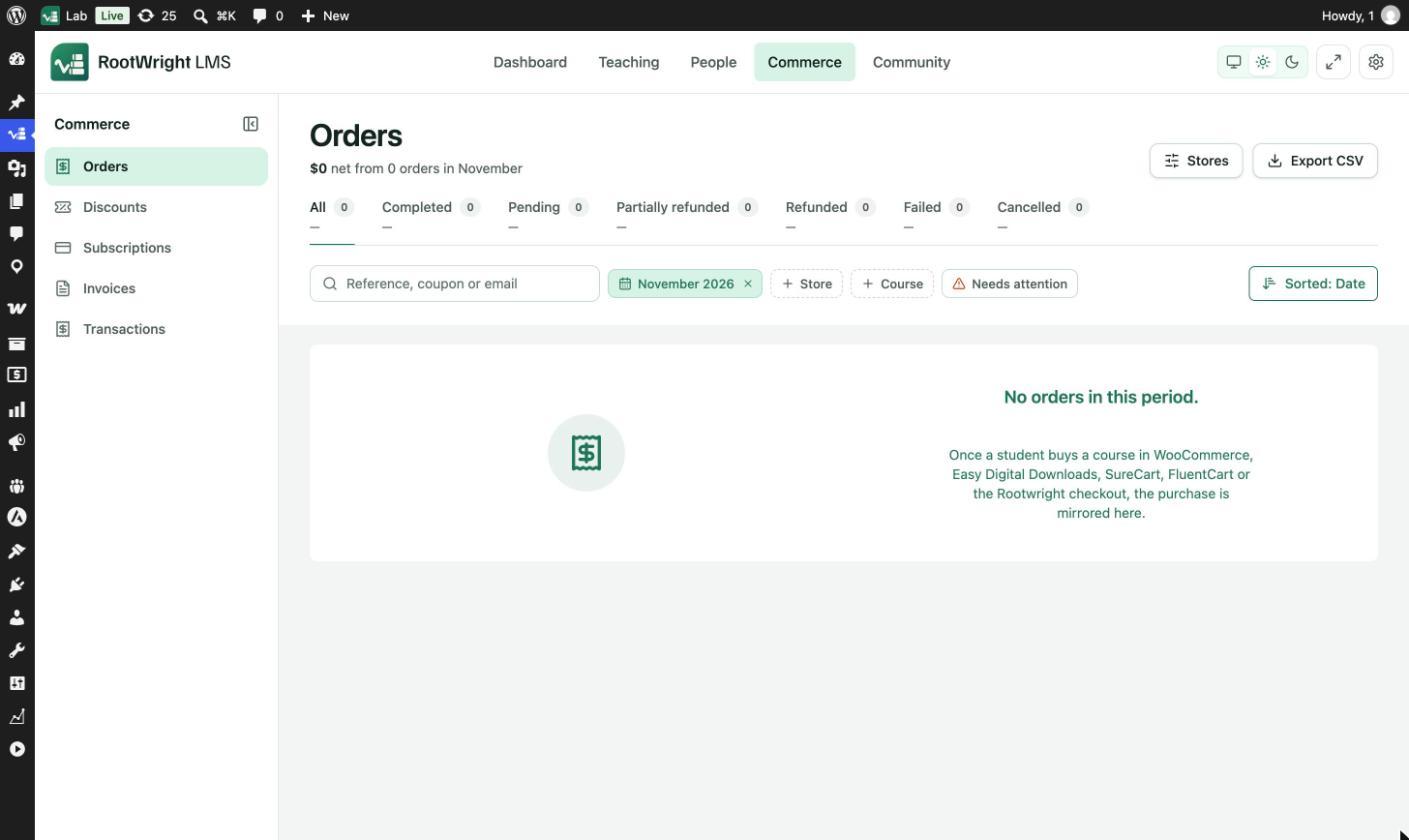
Commerce → Orders. The list opens on the current month. Remove the month chip to see every order.
- The summary line reads, for example, "$0 net from 0 orders in November".
- Status tabs show All, Completed, Pending, Partially refunded, Refunded, Failed and Cancelled, each with a count and total.
- Search by Reference, coupon or email.
- Add filters with the month chip, + Store, + Course and Needs attention.
- Sorted: Date changes the sort order.
- Export CSV downloads the list.
- Stores shows the connected stores.
Subscriptions
Pro
Subscriptions are part of RootWright LMS Pro.
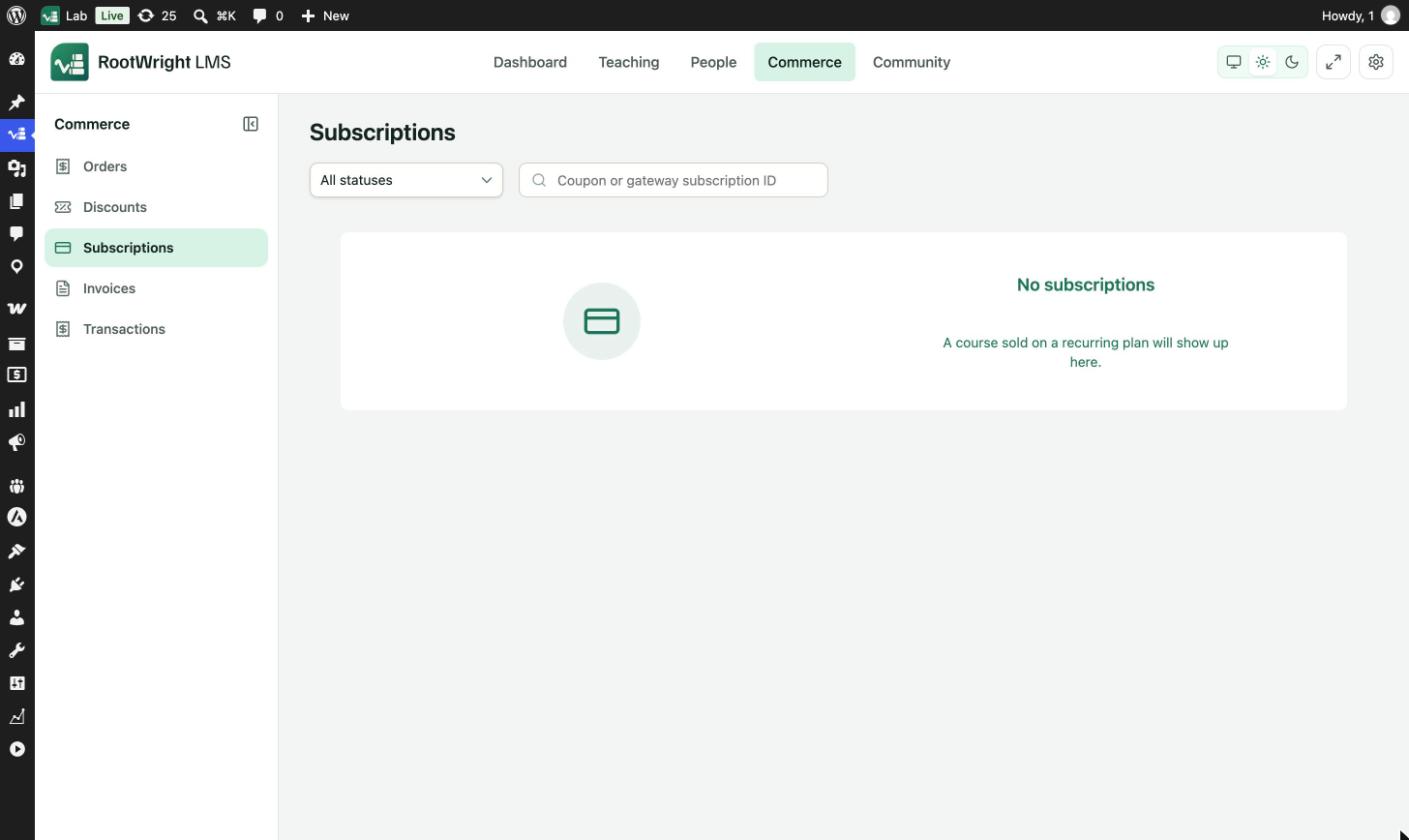
Commerce → Subscriptions. A course sold on a recurring plan appears here.
Filter by status: Incomplete, Trialing, Active, Past due, Cancelled, Expired or Completed. Search by Coupon or gateway subscription ID.
Other Commerce screens
- Discounts creates coupon codes and automatic discounts.
- Invoices and transactions lists invoices, credit notes, payment events and gateway webhooks (Pro).
Refunds
Refunds are issued from an order. The access rule under Checkout, tax and access rules decides when access ends.